Automatically analyze your website for accessibility and receive detailed reports with concrete recommendations. Everything centrally in one professional dashboard.
Our dashboard offers comprehensive analysis and management functions for your website's accessibility, from global error overview to detailed error resolution assistance.
Manage multiple websites and tenants centrally in one place
Manage unlimited websites centrally in one dashboard. Perfect for agencies managing multiple client projects or companies with different web presences.
Create separate tenants for different clients or departments. Each tenant has its own access rights, settings, and reports, completely isolated and secure.
Keep track of all projects at a glance. See status, last scans, and critical errors of all managed websites in a clear dashboard view.
Define detailed roles and permissions for team members. From read access to admin, everyone sees only what they should see.
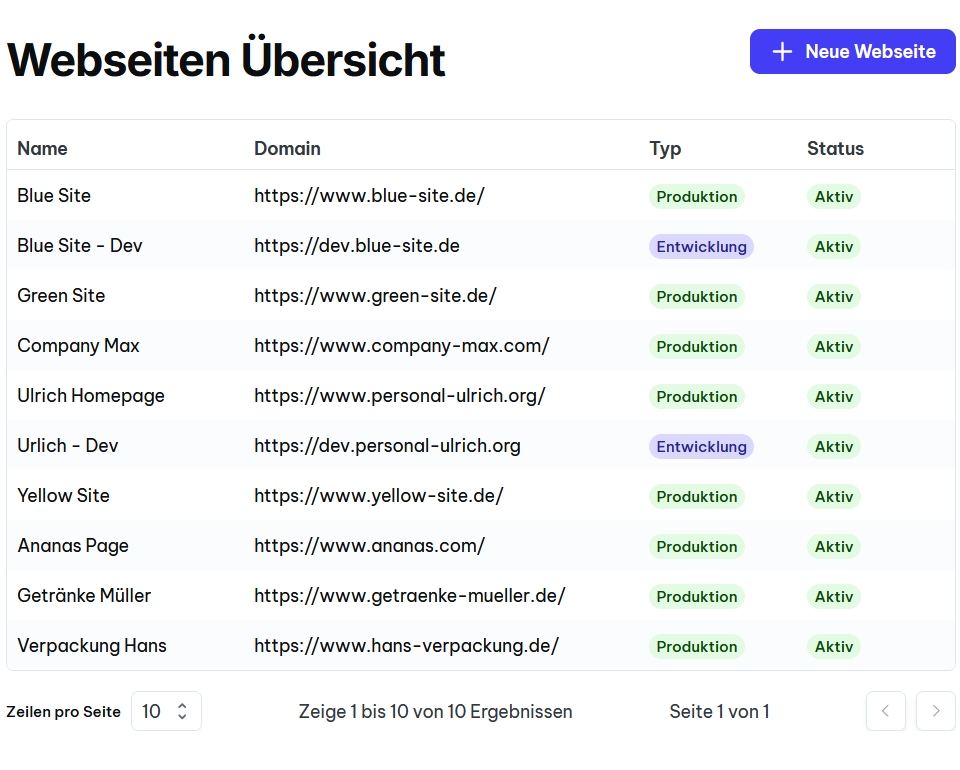
Development websites are free and run in parallel
Development and staging websites are completely free. Test new features, updates, and changes without additional costs, only production sites are charged.
Run development, staging, and production in parallel. Each environment is scanned and monitored separately, so you can identify problems before they go live.
Scan your changes for accessibility errors before going live. Prevent new problems from entering the production environment.
Run as many scans as you want in your dev environment. Experiment freely and test different solution approaches without limitations.
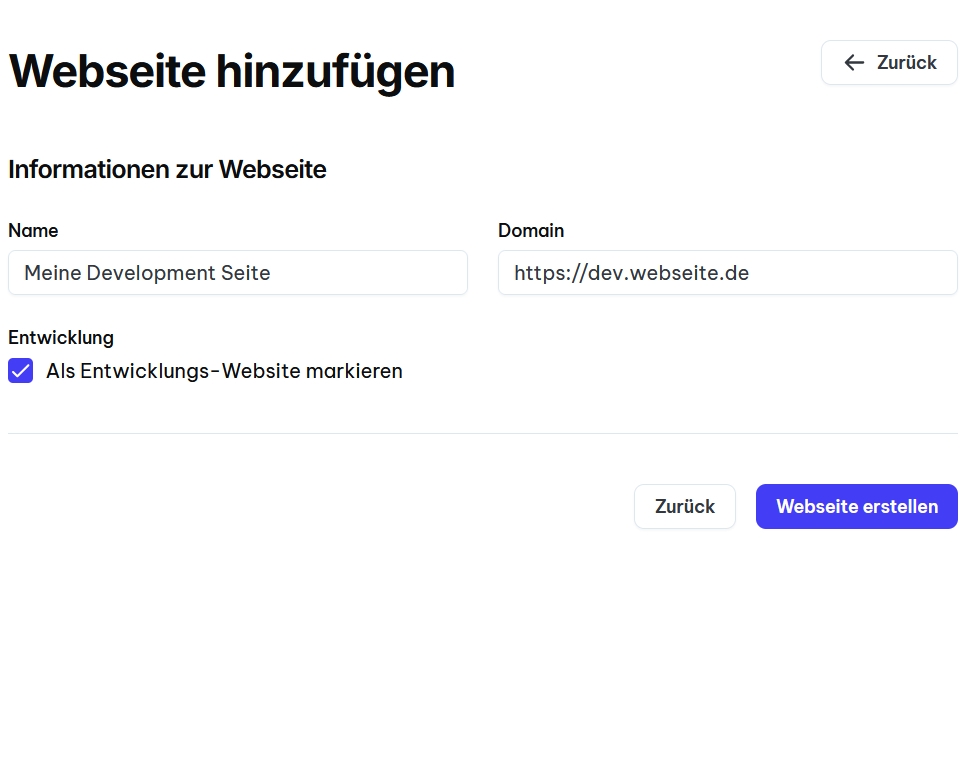
Global overview of all accessibility errors on your website
See the overall status of your website's accessibility at a glance. Visualization shows the distribution of critical, important, and low errors as well as the compliance score.
Track the development of your accessibility over weeks and months. Identify trends, measure progress, and identify problem areas that need more attention.
Errors are automatically grouped by WCAG criteria: Perceivable, Operable, Understandable, and Robust. So you can see exactly in which areas action is needed.
Each error is classified by severity (Critical, High, Medium, Low). Focus first on the most important problems for maximum impact.
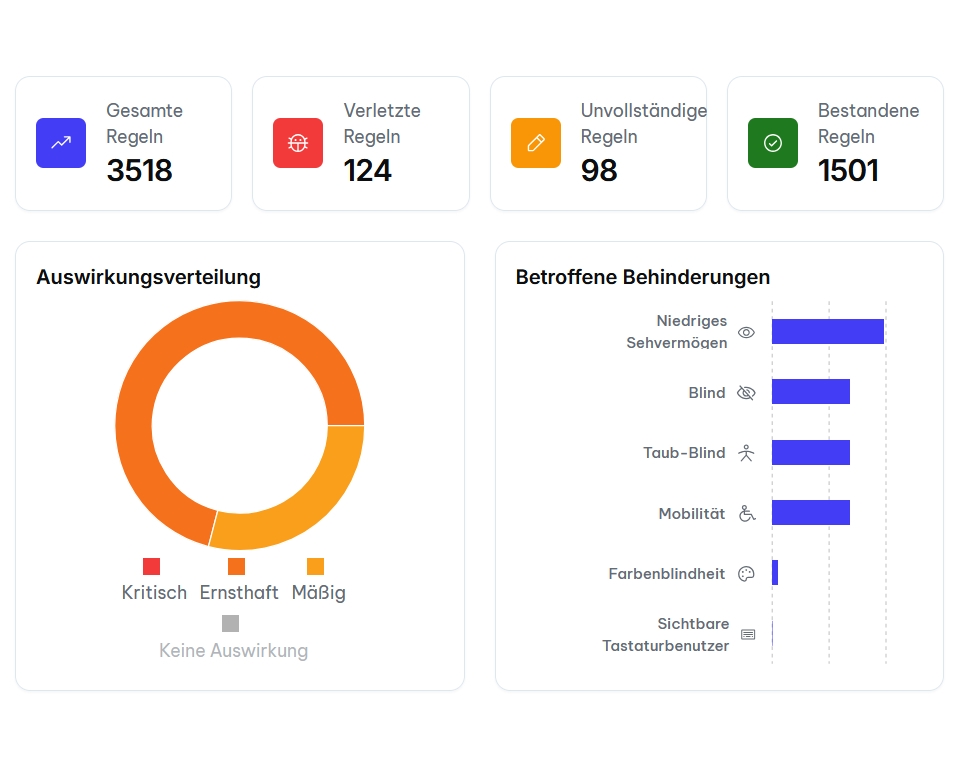
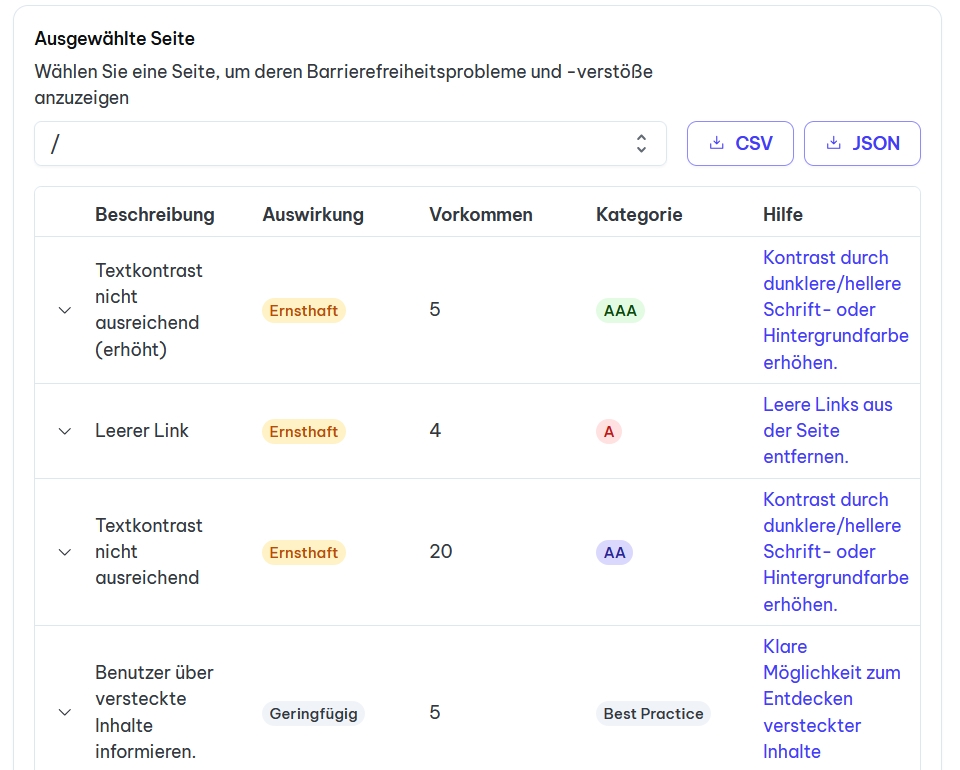
Detailed listing of which errors occur on which pages
Each scanned page shows a detailed list of all found accessibility errors. See exactly which problems occur on which URL.
Filter errors by type, severity, WCAG level, or status. Sort by priority to specifically address the most important problems.
For each error, the exact HTML elements and CSS selectors are displayed. Your developers immediately find the location in the code that needs to be corrected.
Mark errors as 'In Progress', 'Fixed', or 'Won't Fix'. Keep track of progress and communicate transparently within the team.
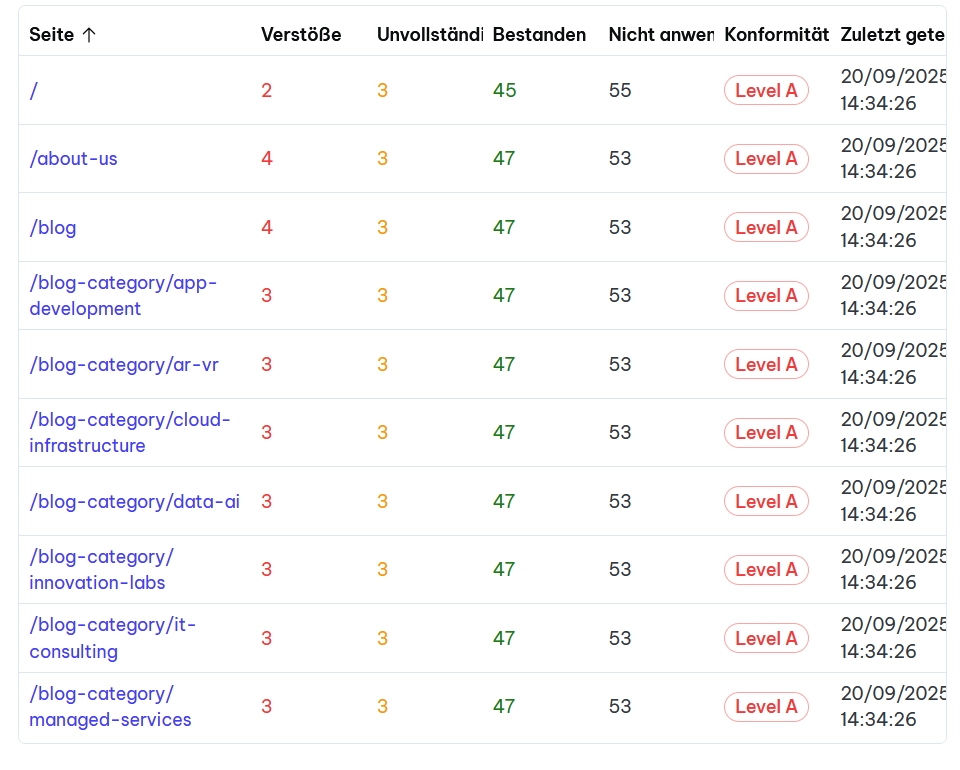
Detailed listing of exactly what is wrong, with help for resolution
Each error is explained in clear, understandable language. You learn exactly what the problem is, why it is a problem, and which users are affected.
Concrete code examples show the faulty code and the corrected version. Copy & paste ready for quick implementation by your development team.
Receive proven solution approaches and best practices from the accessibility community. Learn how to avoid similar errors in the future.
Direct links to the relevant WCAG guidelines and success criteria. Understand the legal background and technical requirements in detail.
Use integrated tools to validate your fixes directly. Test color contrasts, keyboard navigation, and screen reader compatibility live in the dashboard.
100% hosted in Germany
Complete compliance check
Continuous surveillance
Start your first scan now and discover how User-Aid helps you achieve and maintain accessibility.
Automated scans instead of manual tests, get results in minutes instead of days.
Keep track of your website accessibility status with a central dashboard.
Focus on the most important problems, sorted by severity and impact.
Technical details and code examples help your team with quick implementation.
Start scans after every change, stay BFSG-compliant at all times.
Exportable reports as proof for authorities and audits.
Everything you need to know about our monitoring & reporting in the dashboard